


Why Cancellation Deserves a Proper Plan
Stopping a subscription sounds simple. But with automatic renewal baked into most adult entertainment platforms, the timing of your cancellation matters more than most people realise. BlackedRaw, operated by General Media Systems, LLC and part of the wider Vixen Media Group network, processes billing through a dedicated portal rather than directly through the main site. That single detail catches a lot of members off guard and leads to an extra charge they did not expect.
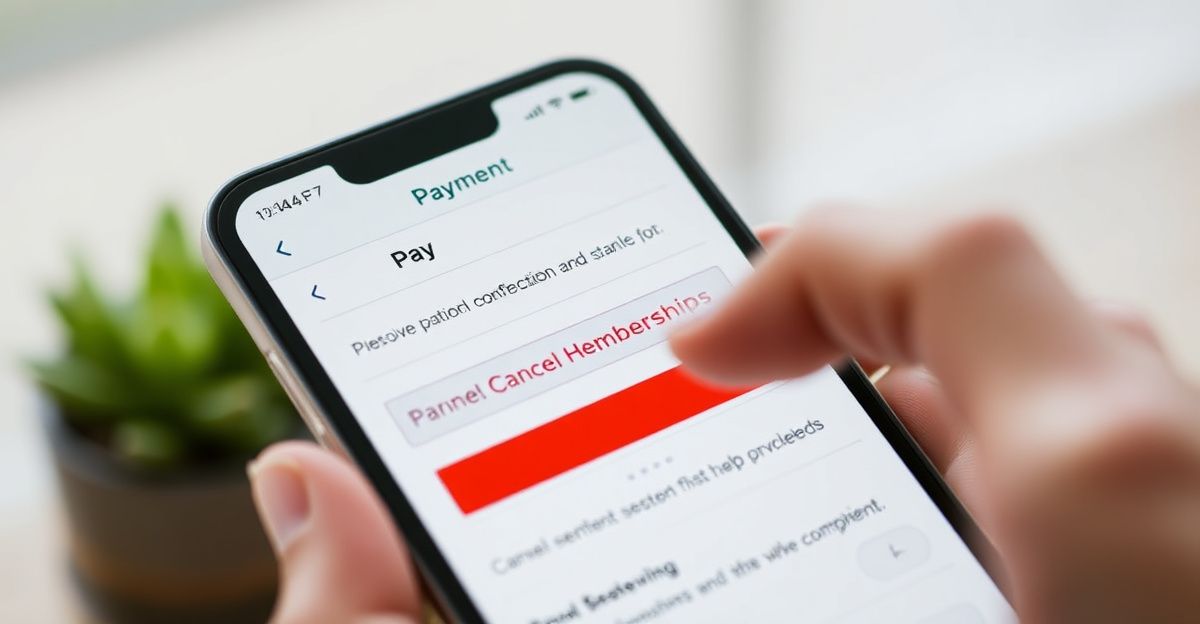
Before you start, make sure you know the email address tied to your account. That is the verification step the billing portal requires. Without it, you cannot progress past the login screen. If you are unsure which email you used, check for any past receipts from the platform in your inbox.
Step-by-Step: How to Cancel BlackedRaw Through VXNBILL
The official cancellation route runs through VXNBILL.COM, which is Vixen Media Group's centralised billing solution. Here is exactly how to move through it.
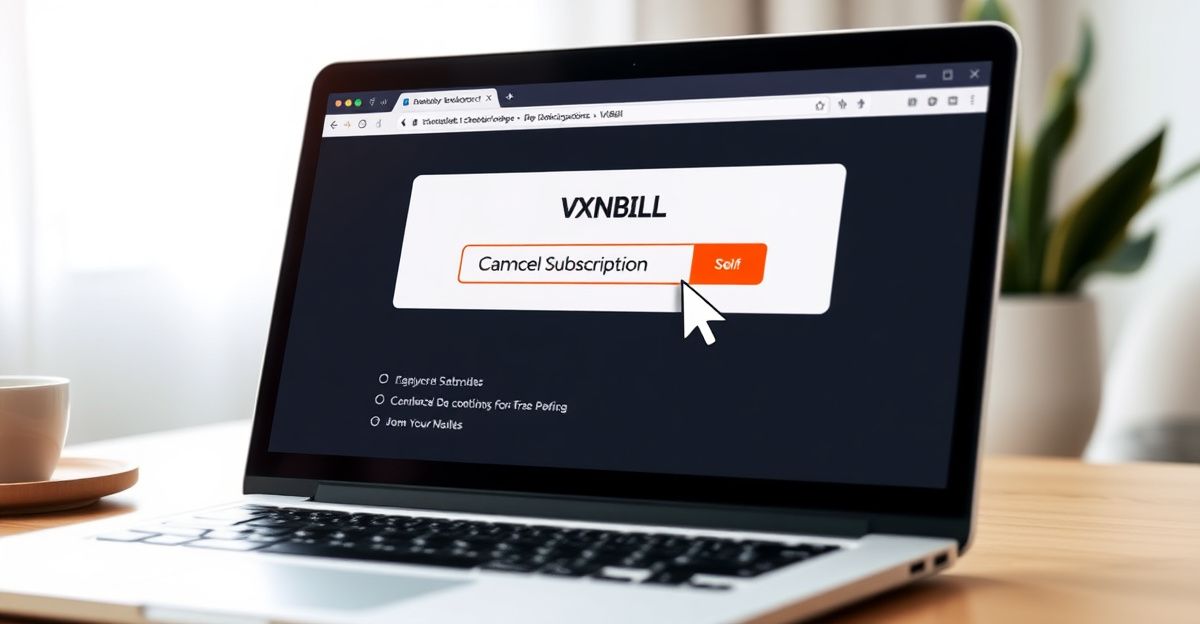
First, open a browser and go to VXNBILL.COM. Enter the email address linked to your BlackedRaw account and verify your identity. You will typically receive a confirmation email or be asked a security question depending on how your account was set up.
Once you are inside the billing portal, locate the section labelled "My Account" or "Manage Subscription". From there, look for a "Billing" or "Membership" tab. Inside that tab, you will find a "Cancel Subscription" option. Click it and confirm your choice. The system will display your access end date, which is the last day of your current billing period. Save or screenshot that date so you have a record.
If the portal gives you an error or you cannot locate the cancel option, do not wait. Contact BlackedRaw customer support at [email protected] straight away. Be clear in your message that you want to cancel before the next renewal date. Keep a copy of that email as proof of your request.
What Happens to Your Access After Cancellation
Your membership does not cut off the moment you cancel. According to the platform's terms of service, your account remains active until the end of the billing period you have already paid for. That means if you are mid-month, you still have access to the full library, including 4K streaming and downloads, until that date passes.
One practical note: the download limit sits at 25 videos per week. If you want to save content before your access ends, plan your downloads across the remaining days rather than leaving it all to the last minute. That limit does not increase just because you are cancelling.
Once the billing period closes, your account is deactivated. There is no partial refund for unused days. This is worth knowing in advance so you time your cancellation strategically - close to the renewal date if you want maximum value from the period you have paid for, but always at least 24 hours before the renewal triggers.
Spend with Intention: A Personal Lesson in Tracking Subscriptions
A couple of years back, in early June, I made a deliberate decision to set aside 100 pounds specifically for digital subscriptions and entertainment services, with a rule that it would not be touched for anything else. I even created a separate folder on my phone to log every transaction. That level of structure sounds minor, but it changed how I approached every payment I made. By the end of that month, I had a clear picture of what I was actually using versus what I had simply forgotten to cancel. Treat every recurring charge as a data point. Record when it hits, note whether you used the service, and let those numbers guide your next decision. That kind of self-awareness around your spending is what separates intentional choices from passive ones.
The same discipline applies here. If you subscribed to BlackedRaw and are not actively using it, cancelling promptly protects your bankroll. Responsible management of your subscriptions is a growth habit, not a financial afterthought.
Avoiding the Most Common Cancellation Mistakes
The number one issue reported by members is missing the renewal date because they assumed cancelling late in the billing period was fine. It is not always fine. Processors can charge a few hours before midnight on the renewal date. Build in at least a day's buffer.
A second common mistake is cancelling via the wrong platform. If you subscribed through a third-party payment processor, you may need to cancel through that processor's own portal rather than VXNBILL. Check your original payment confirmation email to see where the transaction originated. If you are having ongoing billing problems, the BlackedRaw complaints page outlines your escalation options.
Automatic renewal is turned on by default, which is standard across the industry. The Vixen Plus bundle, currently promoted at over 80% off for access to all 9 network sites, also auto-renews. If you signed up for that bundle, cancelling BlackedRaw alone may not stop the broader Vixen Plus charge. Check your billing portal carefully to see every active subscription under your account.
Refunds, UK Consumer Rights, and What to Expect
BlackedRaw's policy states that all payments are non-refundable except where required by law. In the UK, the Consumer Rights Act 2015 and regulations around digital services do provide some protections, particularly if a service was not delivered as described. However, for standard subscription cancellations where the service was accessible, a refund is unlikely to be granted under the platform's own policy.
If you believe you have been charged incorrectly or after a confirmed cancellation, you have the right to raise a dispute with your card provider. Document your cancellation confirmation and the charge date clearly. You can also review your options via the BlackedRaw refund policy page for a full breakdown of what the terms cover. For account-specific queries, the BlackedRaw account management guide covers how to review your billing history before contacting support.
Comments
No comments yet.
Leave a comment
Your email will not be shown. Comments are reviewed before they appear.