

What BlackedRaw Actually Charges You
The site operates subscription-based billing. You pick a plan, enter your card details, and access is granted straight away. Simple enough in theory. In practice, the billing side of BlackedRaw has tripped up a number of UK subscribers who did not read the small print before confirming payment.
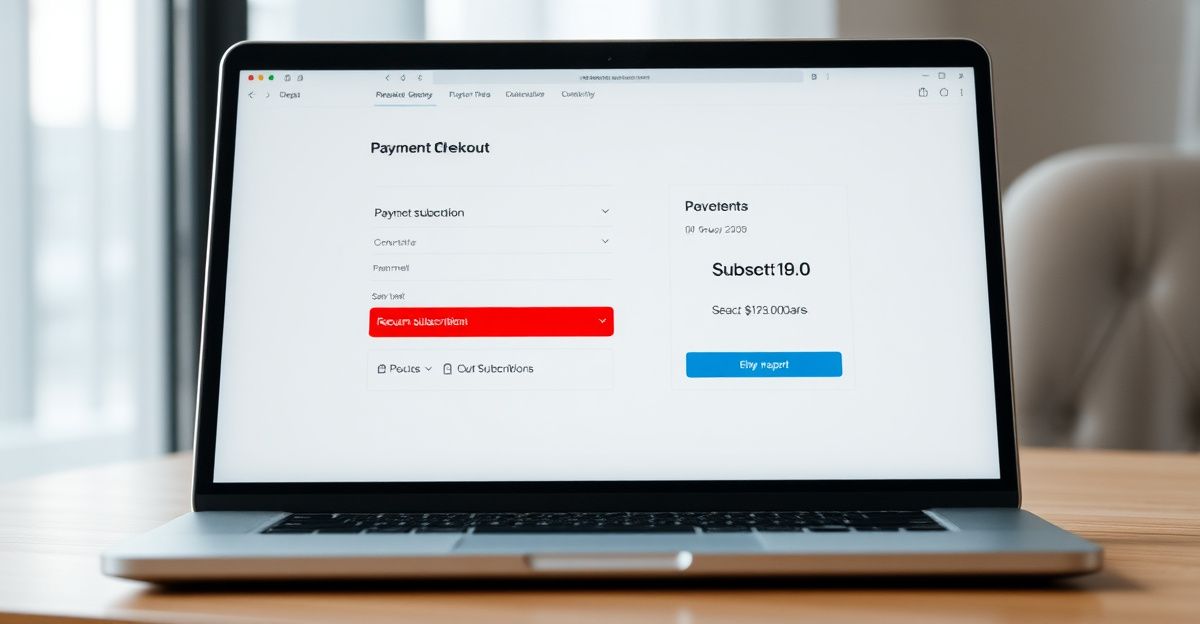
The platform accepts credit cards, debit cards, and certain third-party payment processors. There is no PayPal or crypto option listed. If your preferred payment method is not on that short list, you are stuck before you even start.
The Vixen Plus bundle, which gives access to all 9 sites in the Vixen Media Group network, is currently advertised at over 80% off the standard rate. That sounds attractive. But attractive pricing is exactly when you need to slow down and check what you are actually agreeing to, because the billing terms are where things get uncomfortable fast.
Automatic Renewal: The Red Flag You Cannot Ignore
BlackedRaw subscriptions renew automatically. That is not unique to this platform, but the way it is handled here deserves scrutiny. Unless you cancel before the renewal date, your card gets charged again. Full stop. There is no reminder email sent a few days before the charge lands. You either track the date yourself or you get billed.
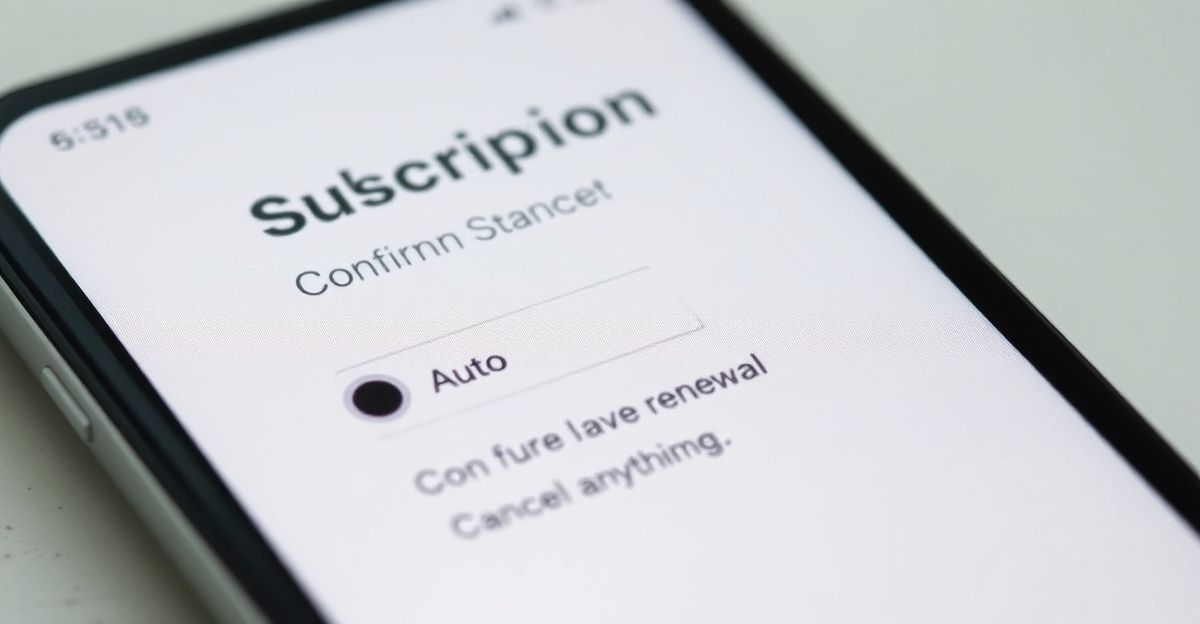
That automatic renewal structure is a red flag for anyone who signs up on impulse or during a promotional window. The promotion ends, the price resets to standard, and you are charged at the higher rate if you forgot to cancel. Always note your billing date the moment you sign up. Write it down. Set a calendar alert.
For UK subscribers, it is worth knowing that the Consumer Contracts Regulations 2013 give you rights around continuous payment authorities. If you want to dispute an unauthorised charge, your bank is a legitimate route. That is a regulatory lever most users do not know they have.
The Price You See Is Not Always the Price You Pay
In April, I tried to sign up for a monthly plan. The landing page showed 8.99. I got to checkout and the price had jumped to 10.99 with zero explanation on screen. I dug into the fine print and found a buried line about a platform fee. That is a scam move. I did not complete the purchase. If the price at checkout does not match the advertised price, abandon the transaction immediately and report it to your bank or Trading Standards. Always screenshot the advertised price before you click through. Platforms that pull that trick rely on people being too rushed or too embarrassed to push back.
This kind of pricing behaviour is not unique to BlackedRaw, but it is unacceptable regardless of the industry. The payment methods page gives more detail on what processors are involved and where fees might originate. Check it before you hand over your card number.
Refunds: The Policy Is Blunt
All payments on BlackedRaw are nonrefundable except where required by law. That is the policy, and it is stated clearly in the terms of service. If you forget to cancel before renewal, you are not getting that money back through the platform. Your only realistic option at that point is a chargeback through your bank, and that is not guaranteed.
The refund policy page covers the exact wording, but the short version is this: do not expect a refund if you change your mind after being charged. This is a hard no, not a soft maybe. Plan accordingly.
If you have already been charged and believe it was in error or you were misled by pricing, document everything. Screenshot the charge, the advertised price, and the checkout screen if you still have it. Then contact support at [email protected] and escalate to your bank if you get no resolution. For persistent issues, the complaints process outlines the escalation path in more detail.
Download Limits and What They Mean for Your Bill
One detail that affects the value calculation of any BlackedRaw subscription is the download cap. You can download up to 25 videos per week. If you are on a plan expecting unlimited offline access, that cap will frustrate you. It also affects whether the Vixen Plus bundle is worth the extra spend. Nine sites sounds impressive. If you are capped across the board, the volume of content you can actually take offline each week is still limited.
Streaming quality goes up to 4K UHD, which is genuinely strong for the price point. But streaming requires a consistent connection, and quality varies based on your broadband speed. If you are in a rural UK area with inconsistent connectivity, the download cap becomes more of a problem.
How to Cancel Before the Next Billing Cycle
Cancellation is handled through the billing portal or by emailing support directly. Access continues until the end of the billing period you have already paid for. The cancel membership guide walks through the exact steps. The key point: cancel at least 24 to 48 hours before your renewal date. Do not leave it to the last hour. Customer support response times are not instant, and if your cancellation request lands after the billing cycle ticks over, you have already been charged.
Getting a receipt after payment is straightforward in most cases. Check the email address you registered with immediately after purchase. If no receipt arrives within a few hours, check spam filters before contacting support. For billing disputes, having that receipt on file is essential. Do not assume the charge on your statement is enough documentation on its own.
Comments
No comments yet.
Leave a comment
Your email will not be shown. Comments are reviewed before they appear.