

Why Charges Keep Appearing on Your Statement
Automatic renewal is built into every BlackedRaw subscription from the moment you sign up. That is not a hidden clause buried in small print. It is standard practice across adult entertainment platforms, and the site discloses it during checkout. Still, a surprising number of UK members contact support every month asking why they were charged again. The answer is almost always the same: they forgot to cancel before the billing date, and the system did exactly what it was designed to do.
Understanding the mechanics here matters. When you subscribe, you authorise recurring payments through your card or a third-party payment processor. That authorisation stays active until you revoke it. Simply deleting the app, clearing your browser history, or stopping your use of the site does nothing to stop the charge. Only a deliberate cancellation through the billing portal or via customer support will end the cycle.
The Step-by-Step Process to Disable Auto-Renewal
The cancellation process is straightforward once you know where to go. Start by logging into your account on blackedraw.com using the email and password you registered with. From your account dashboard, look for the billing or subscription section. This is sometimes labelled "Manage Membership" or "Account Settings" depending on which billing processor handled your original payment.
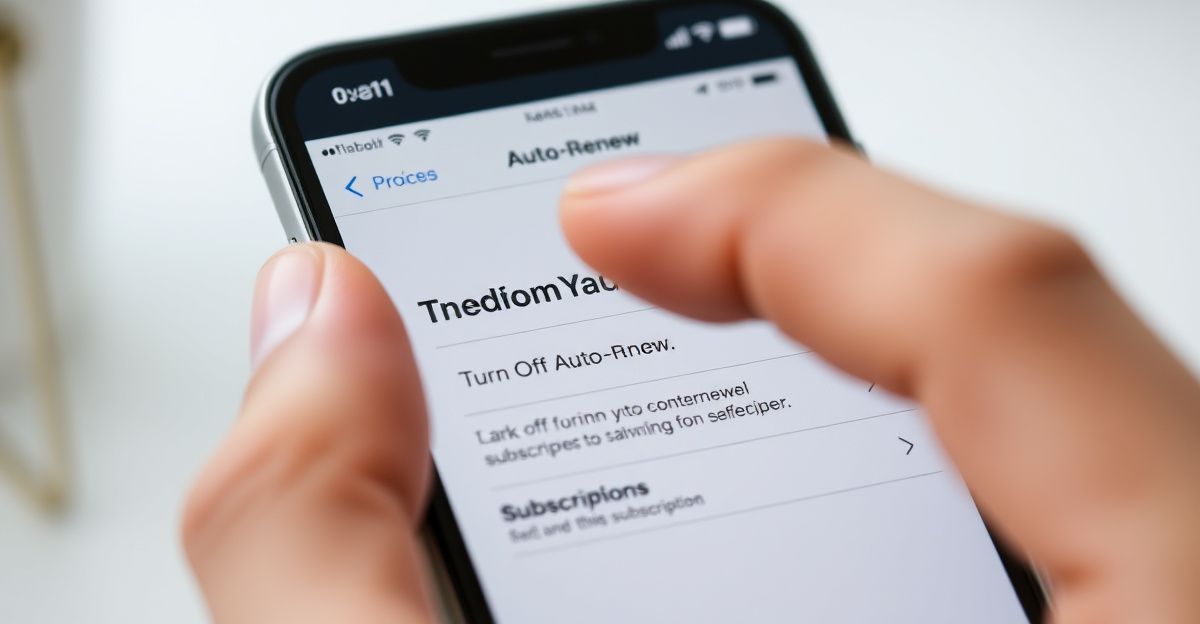
Inside that section, you will find a toggle or button related to auto-renewal. Click it, confirm your choice through any follow-up prompts (platforms often ask once or twice whether you are sure), and wait for a confirmation email. Save that email. It is your proof that you cancelled before the next billing date. If no email arrives within a few minutes, check your spam folder, and if it is still missing, contact [email protected] directly to confirm the cancellation was registered. You can read more about what happens after cancellation in the full cancellation guide.
One practical detail worth noting: cancelling auto-renewal does not cut off your access immediately. You retain full membership until the end of the period you already paid for. A monthly subscriber who cancels on day 10 still has roughly 20 days of access remaining. That is fair, and it means there is no reason to delay the cancellation just to get maximum value from the current period.
The Mindset Shift That Protects Your Budget
Last October, I committed to a paid subscription on a platform I had been dipping in and out of for about four months. The monthly cost was around 15 pounds, and I treated it like a real financial decision. I gave it 60 days, tracked my actual engagement, and measured whether having skin in the game changed my behaviour. It did. Paying sharpened my focus and made me far more intentional about how I used the service. That is the positive side of a recurring charge. The discipline it creates can drive genuine growth in how you engage with content.
But that same discipline demands self-awareness. If you are no longer getting value, letting a subscription roll over passively is not growth. It is a slow drain on your bankroll with no return. The responsible move is to reassess your subscription the same way you would any other recurring expense. Set a calendar reminder three days before your renewal date. That buffer gives you time to cancel without rushing if you decide the service no longer fits your needs. A balanced strategy means paying for things that work and cutting the things that do not.
What Happens If You Were Already Charged
The most frustrating scenario is discovering a charge you did not expect. According to the platform's stated policy, all payments are non-refundable except where required by law. For UK members, consumer protection regulations do provide some recourse in specific circumstances, particularly around services that were not delivered as described. If you believe a charge was made in error or after a cancellation you can document, review the refund policy details before escalating.
Your first step should always be contacting [email protected] with your account email, the transaction date, and any cancellation confirmation you have. Keep the tone factual and include reference numbers where possible. If the platform does not resolve the issue within a reasonable timeframe, UK cardholders have the right to raise a chargeback request with their bank or card issuer under Section 75 of the Consumer Credit Act (for credit card transactions over 100 pounds) or through the chargeback scheme for debit card payments. These routes exist specifically to protect consumers, and knowing about them gives you real leverage. For a broader view of billing disputes, the complaints guide covers common patterns and resolutions.
Vixen Plus and How Cross-Site Access Affects Billing
One detail that catches some members off guard is the Vixen Plus bundle. BlackedRaw is part of the Vixen Media Group network, which currently includes 9 sites. A promotional offer of over 80% off is sometimes shown for this bundle at sign-up. If you subscribed to Vixen Plus rather than a standalone BlackedRaw plan, cancelling your auto-renewal affects access to all 9 sites simultaneously, not just BlackedRaw. That is worth confirming before you cancel, especially if you actively use any of the other platforms in the network. Check your original sign-up confirmation email to see exactly which plan was charged. The billing descriptor on your bank statement may also differ depending on which part of the network processed your payment under General Media Systems, LLC.
Comments
No comments yet.
Leave a comment
Your email will not be shown. Comments are reviewed before they appear.