
Why BlackedRaw Streaming Problems Happen
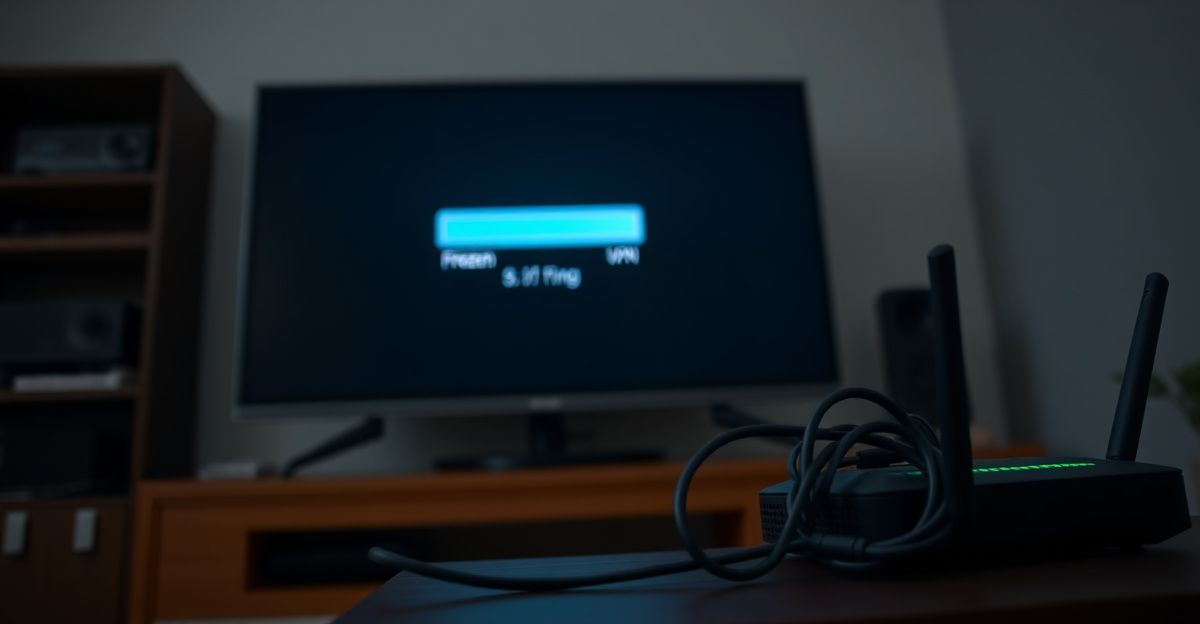
Streaming issues rarely come out of nowhere. When BlackedRaw buffers or the picture quality drops mid-scene, there is nearly always a specific cause you can trace and fix. The platform supports streaming up to 4K UHD resolution, which means your setup needs to keep pace. A slow router, an overloaded browser, or a misbehaving VPN can each bring a high-quality stream to its knees.
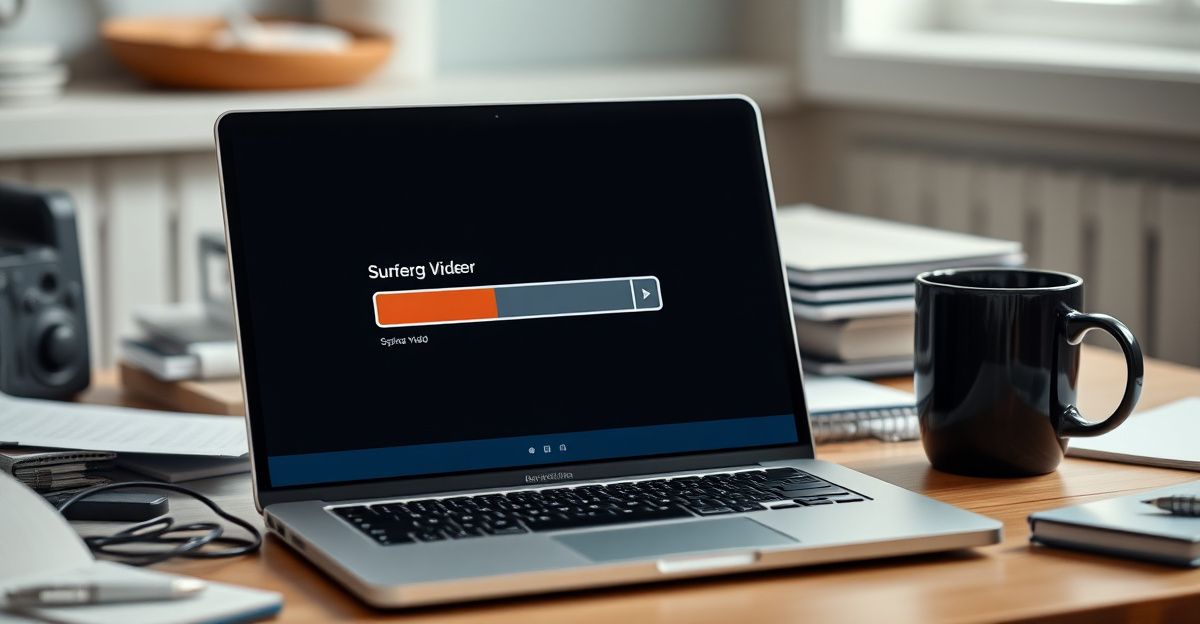
Understanding the root cause is the first step toward a real fix. Chasing the symptom without identifying the source is a waste of time. This guide walks you through every major culprit, from your internet connection to your device settings, with concrete steps at each stage.
Check Your Internet Connection First
This is the most common cause of BlackedRaw streaming problems, and it is also the easiest to diagnose. Run a speed test at fast.com or speedtest.net before anything else. For smooth 4K playback, you need a consistent download speed of at least 25 Mbps. For HD at 1080p, 10 Mbps is a reasonable floor. If your result falls below those thresholds, the buffering is almost certainly a bandwidth problem, not a platform fault.
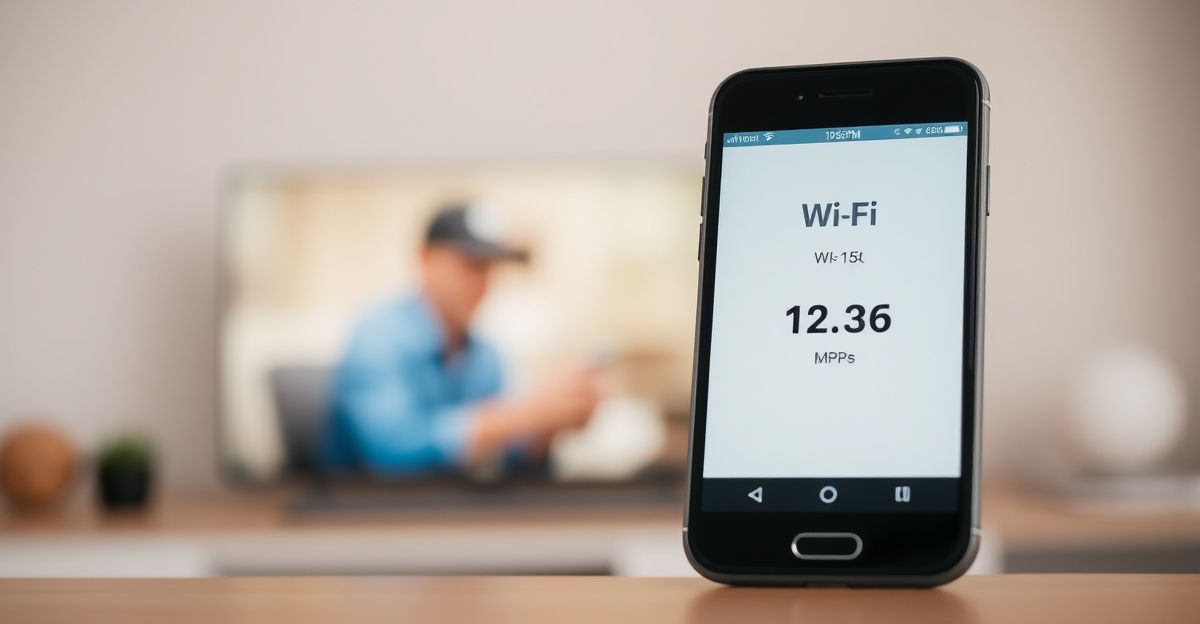
A few things can drag your speed down without you realising it. Other devices on your network streaming video, downloading updates, or running backups in the background all compete for the same bandwidth. Disconnect them temporarily and retest. If possible, switch from Wi-Fi to a wired Ethernet connection. Physical cables eliminate the interference and signal degradation that wireless connections suffer from, especially in homes with thick walls or neighbouring networks on the same channel.
Also restart your router. It sounds basic, but routers accumulate connection errors over time and a 30-second restart clears the memory and often recovers full speed. Unplug the power, wait 30 seconds, plug it back in, and give it two minutes to reconnect before retesting.
Clear Your Browser Cache and Disable Extensions
Your browser stores temporary files to speed up page loading, but a bloated cache can actually slow down or corrupt video playback. If the stream plays fine in a fresh incognito or private window, the cache is almost certainly the problem. Clear it fully: in Chrome, press Ctrl+Shift+Delete, select all time as the range, check cached images and files, and hit clear data.
Browser extensions are another underestimated cause of BlackedRaw streaming problems. Ad blockers, privacy tools, and script blockers can interfere with the video player. Disable all extensions temporarily and reload the page. If the stream improves, re-enable them one at a time to find the specific offender. Some users find that allowing the domain in their ad blocker's whitelist resolves the issue permanently.
Keeping your browser updated matters too. Video streaming relies on modern codec support, and older browser versions sometimes lack the necessary playback capabilities. Chrome, Firefox, and Edge all update automatically if you allow them to - check your settings if you are unsure.
VPNs, Proxies, and Geographic Routing
A VPN routes your traffic through a remote server, which adds latency and can reduce your effective bandwidth significantly. Many streaming problems traced to VPN use disappear the moment the VPN is switched off. If you use a VPN for privacy, try connecting to a server closer to your actual location, or temporarily disable it to see whether playback improves. BlackedRaw is fully accessible in the UK without a VPN, so there is no practical reason to use one for access purposes alone.
Similarly, if you are on a corporate or university network, the proxy server on that network may throttle or block video streaming entirely. In that case, a home or mobile connection is your best alternative.
Device and App-Specific Fixes
Back in March last year, I sat down at my kitchen table in Manchester at around 9 in the morning and asked myself a serious question: do I actually have a strategy for troubleshooting, or am I just winging it? I had been spending roughly 40 pounds a week on various subscriptions without tracking a single decision. That moment of self-awareness was genuinely useful. I started writing down the specific steps I took each time a stream broke, and I noticed a pattern: most of my problems happened on a laptop that had not been restarted in weeks. A simple reboot fixed roughly 70 percent of my playback issues before I had even touched any settings. Growth in any area, including how you manage your digital setup, happens because you build the discipline to look honestly at your habits and adjust.
If you are using the BlackedRaw mobile experience via a browser, clearing the app cache on your phone works the same way as clearing a desktop browser cache. On Android, go to Settings, then Apps, find your browser, and tap Clear Cache. On iOS, you may need to offload and reinstall the browser app, since iOS does not expose a direct cache-clearing option for Safari in the same way.
For smart TVs and streaming sticks, the most effective fix is a full device restart. If you are casting from a phone or tablet, make sure both devices are on the same Wi-Fi network and that neither is running background updates. You can explore BlackedRaw's mobile setup options for device-specific guidance.
Adjusting Playback Quality Manually
BlackedRaw streams at up to 4K UHD, but the player should adapt to your connection speed automatically. If it is not adapting fast enough, you can manually lower the quality setting in the video player. Look for a gear or settings icon within the player and select a lower resolution, such as 720p or 1080p. This reduces the data demand immediately and often stops buffering within seconds. Once your connection stabilises, you can step the quality back up.
Download limits are worth noting here. The platform caps downloads at 25 videos per week. If you are experiencing repeated streaming problems, downloading content for offline viewing during off-peak hours is a practical workaround, as long as you stay within that weekly limit.
When to Contact Support
If you have worked through every step above and still face persistent BlackedRaw streaming problems, the issue may lie on the platform side. Server maintenance, regional outages, or account-specific technical flags can all cause problems that no client-side fix will resolve. Check whether other users are reporting similar issues on forums or social media before spending more time troubleshooting your own setup.
Reach out to the team at [email protected] with a clear description of the problem: your device, browser version, internet speed test result, and the exact error or behaviour you are seeing. Clear information speeds up the resolution significantly. You can also review common BlackedRaw complaints to see whether your issue has a known fix, or visit the customer support page for direct contact options. Understanding BlackedRaw's full feature set can also help you make the most of the platform once your stream is running smoothly.
Comments
No comments yet.
Leave a comment
Your email will not be shown. Comments are reviewed before they appear.